AI powered server control
Your servers,
within reach.
Manage your Linux servers over SSH from your phone. Browse files, run commands, and let AI work in your projects with you, wherever you are.
- deploy@api.northwind.dev
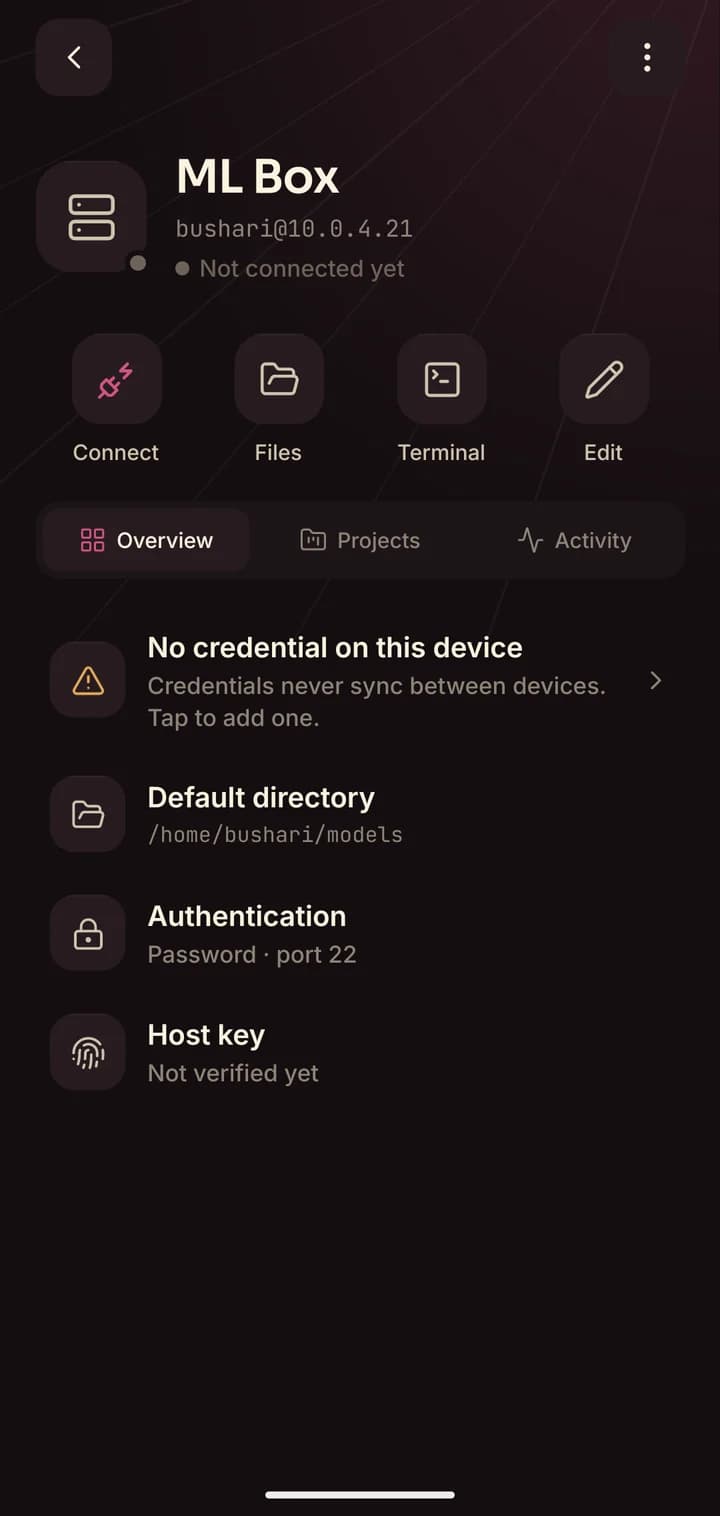
- bushari@10.0.4.21
- ~/projects/web
- root@edge-fra-1
- claude: Edited auth.js
- deploy@staging.northwind.dev
- /srv/api
- git pull && npm run build
- ubuntu@ml-gpu-02
- claude: Ran tests ✓
How it works
The control room for your servers, in your pocket.
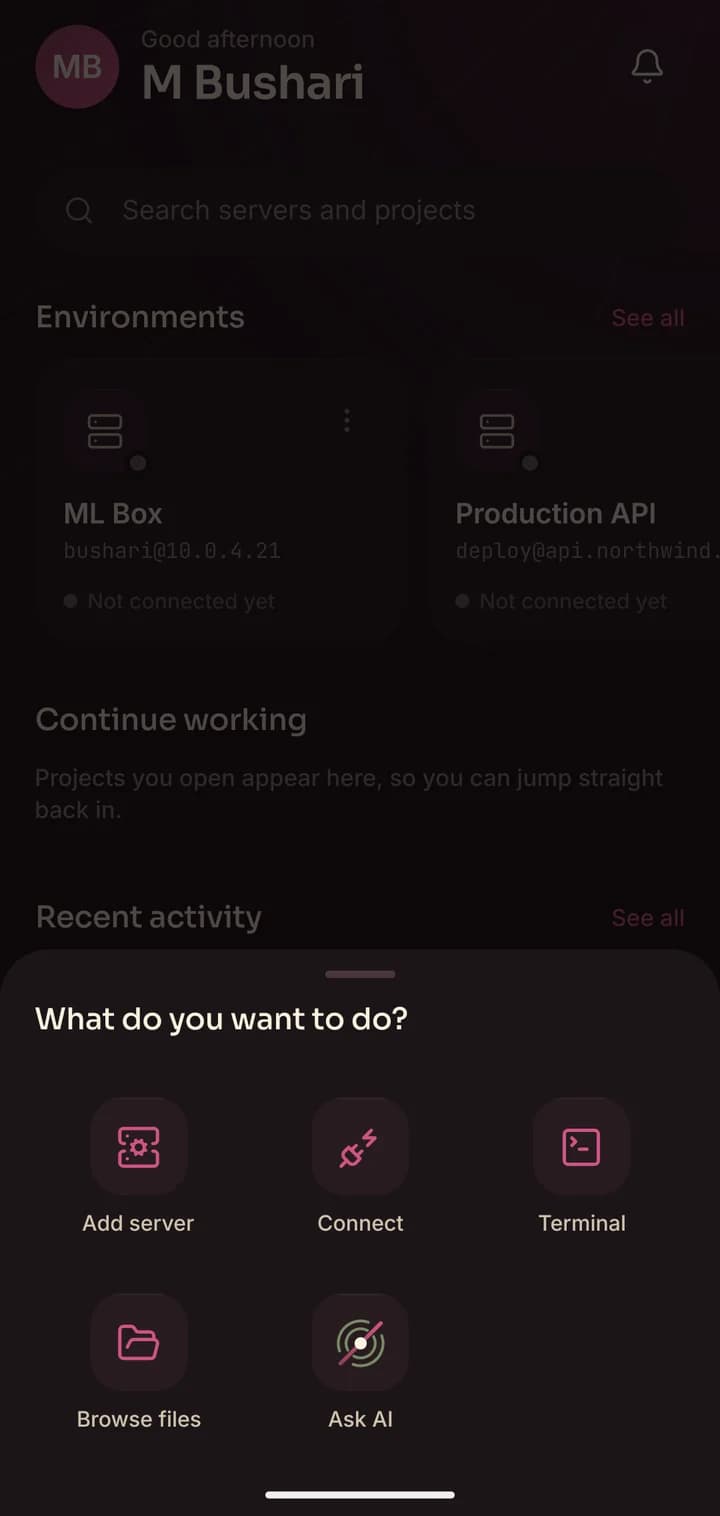
- Connect
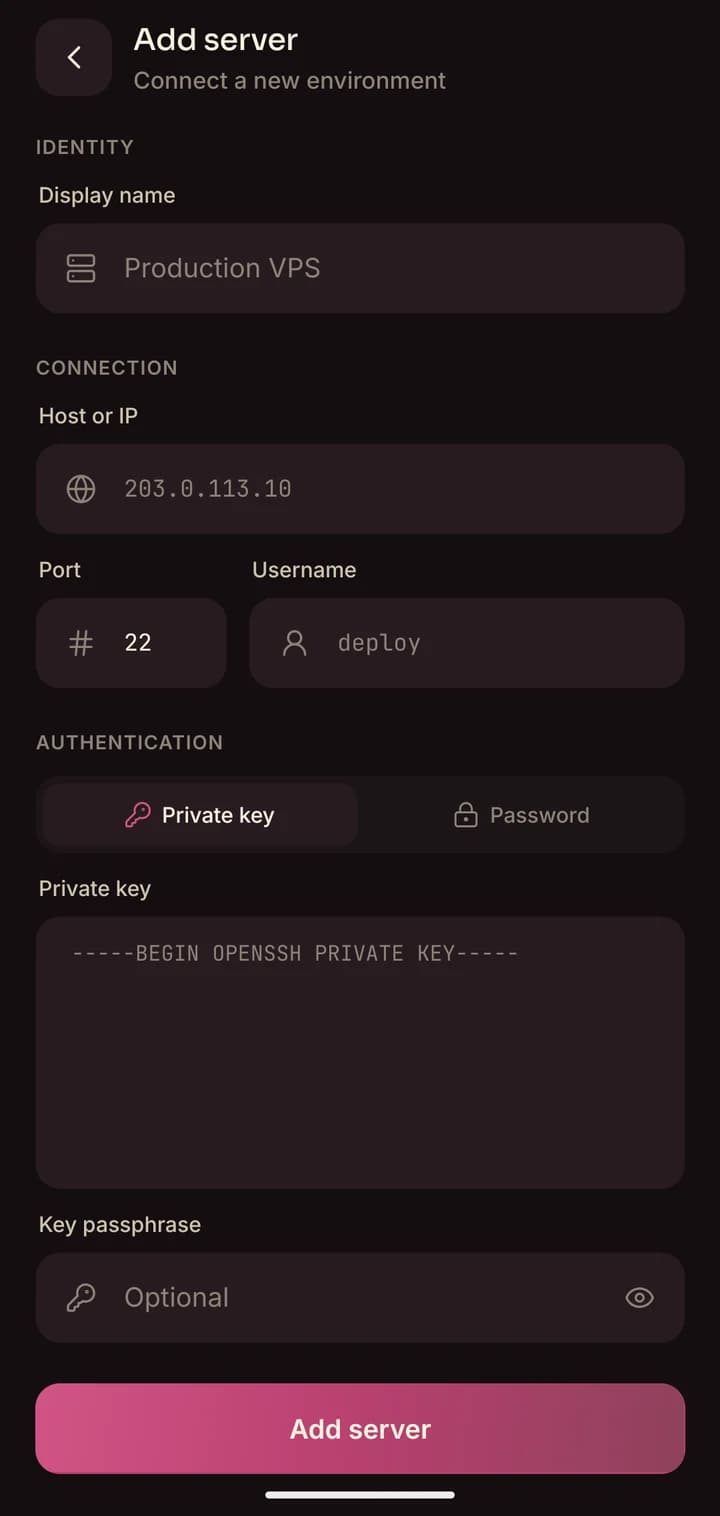
Add a server in seconds.
Host, user, key. Done. Your password or private key goes straight into your phone’s keychain and never leaves it.
9:41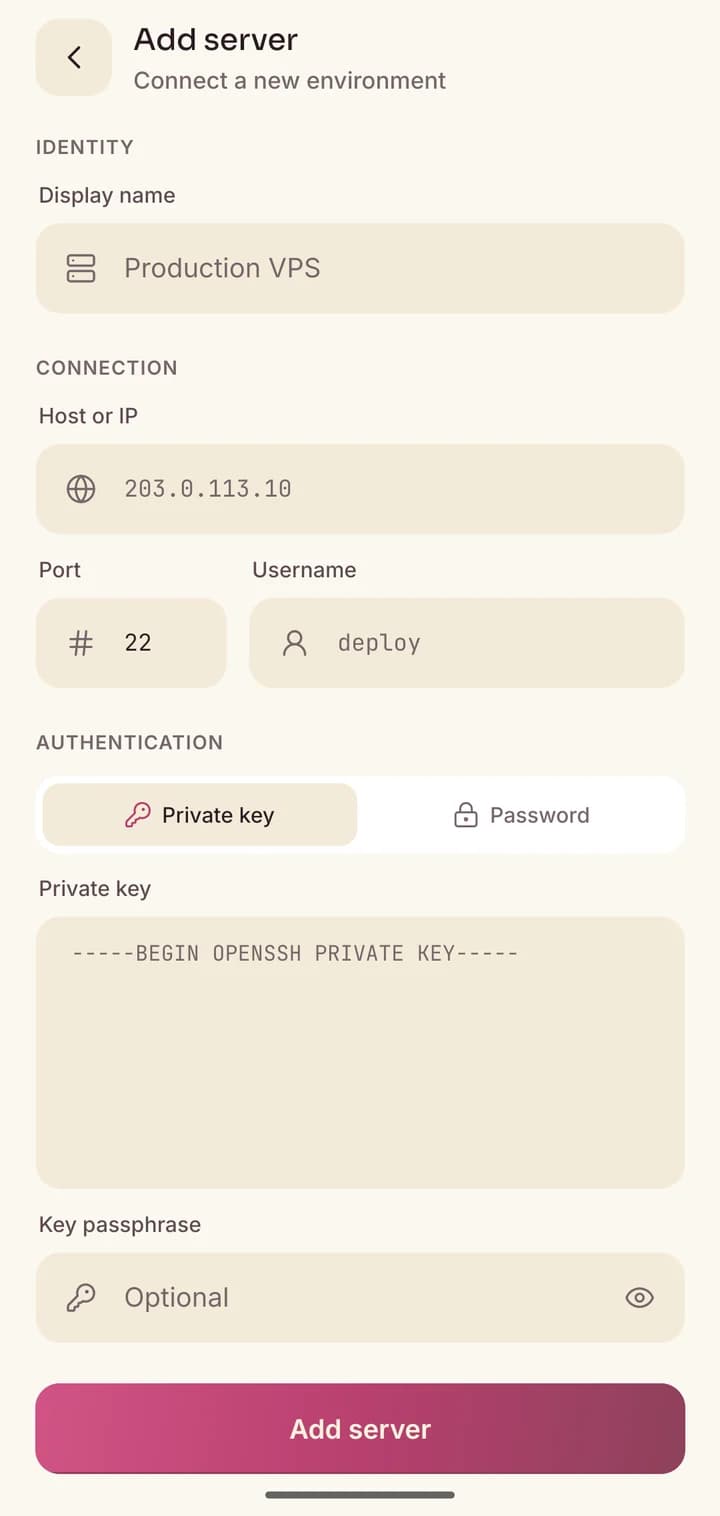
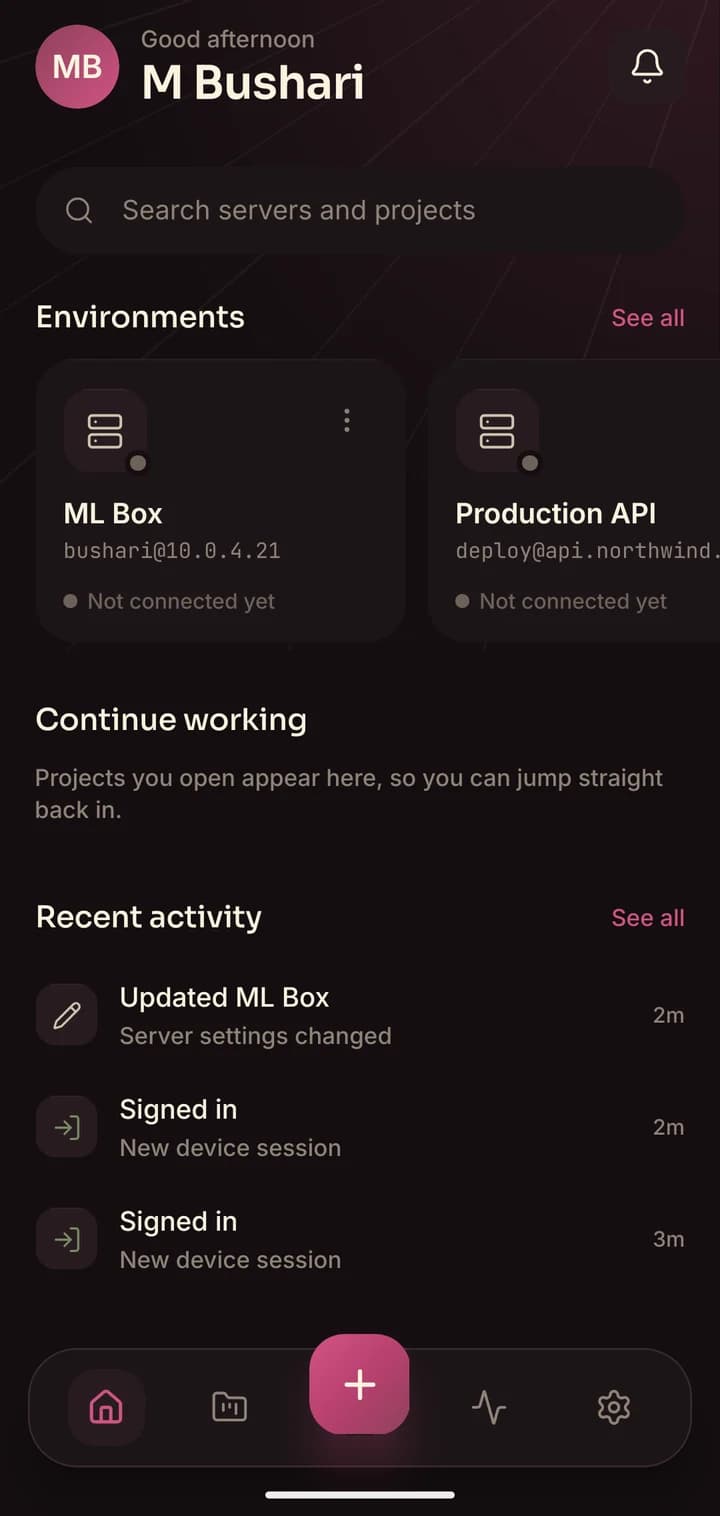
- Command
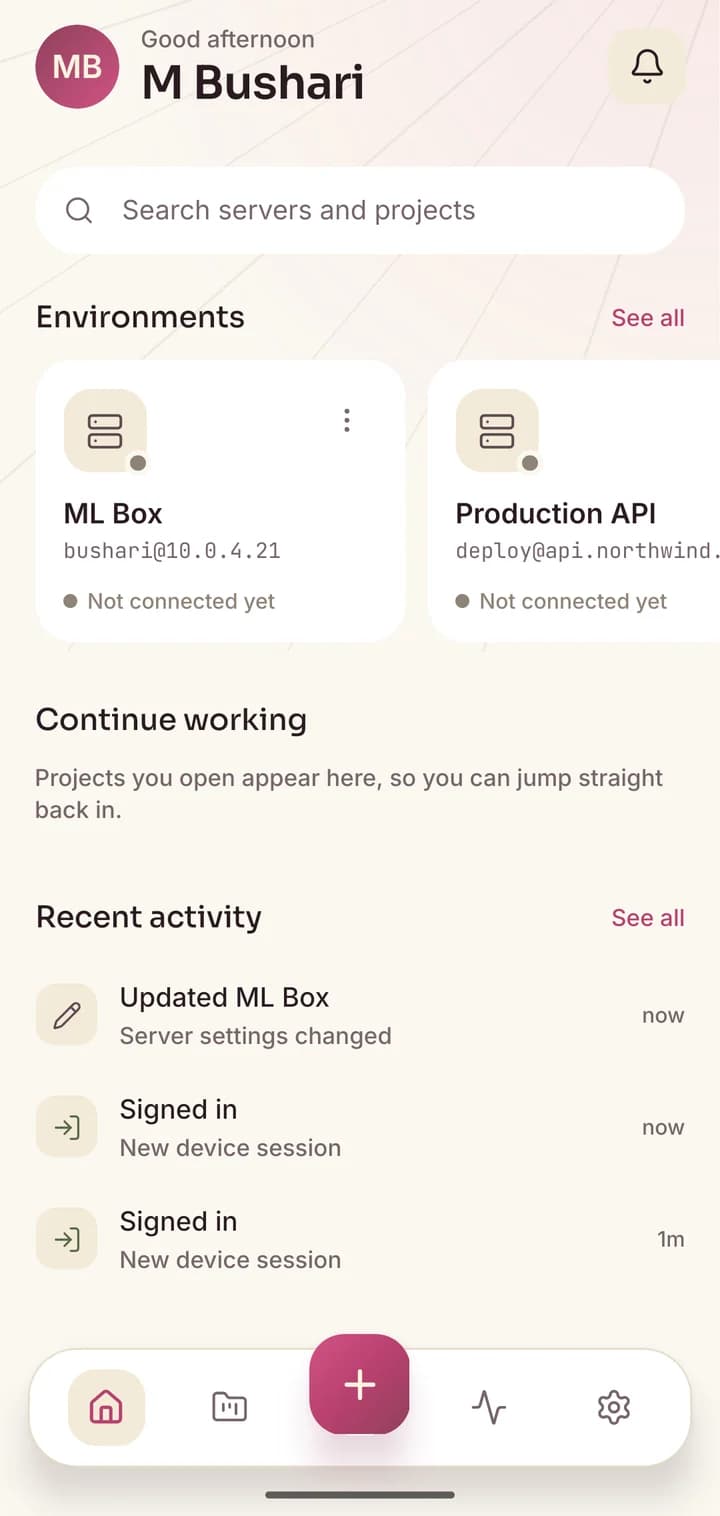
Every environment, one tap away.
Production, staging, that one GPU box. See them all, open any of them, and jump into files, the terminal or your projects.
9:41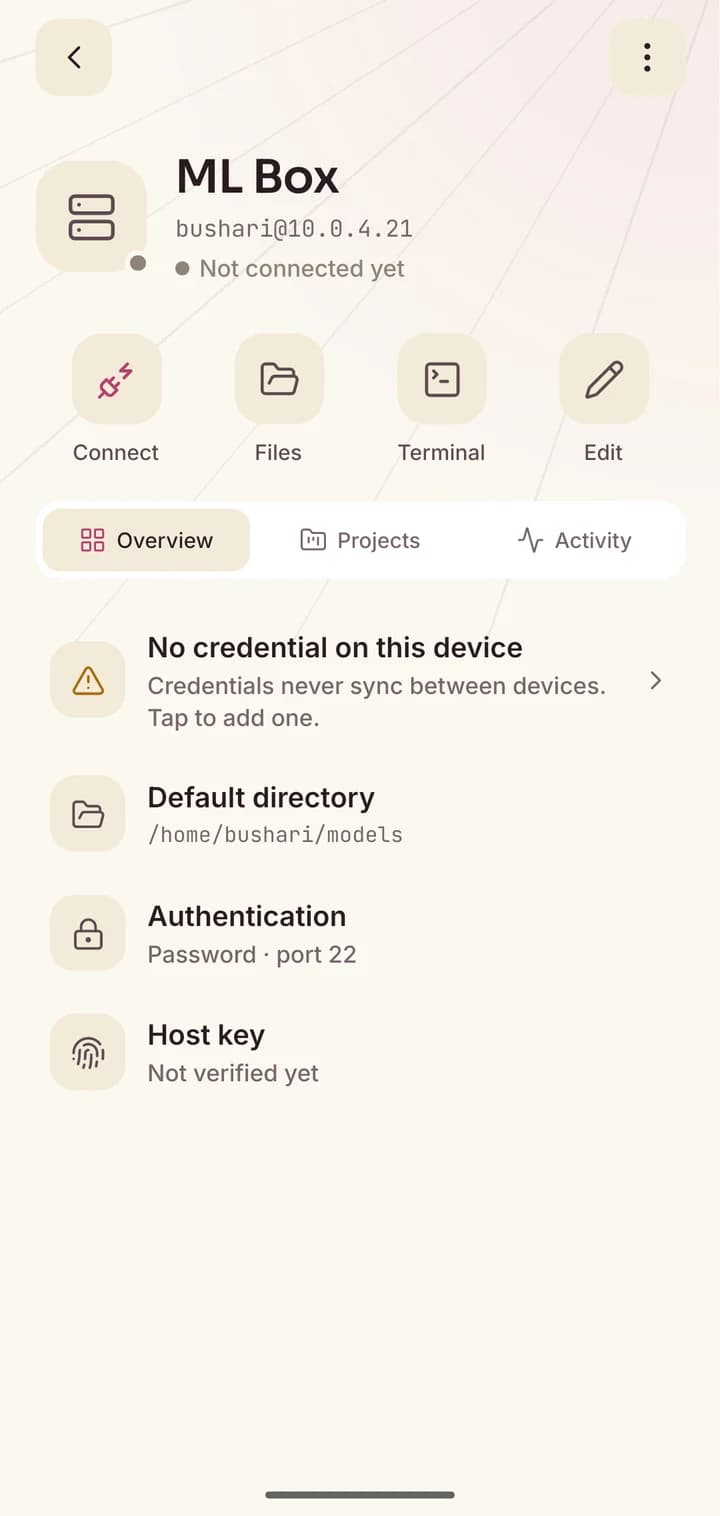
- Ask AI
Let AI work in your project.
Pick a server and a folder, describe what you want, and an AI coding agent edits, runs and tests it for you, right on the server.
9:41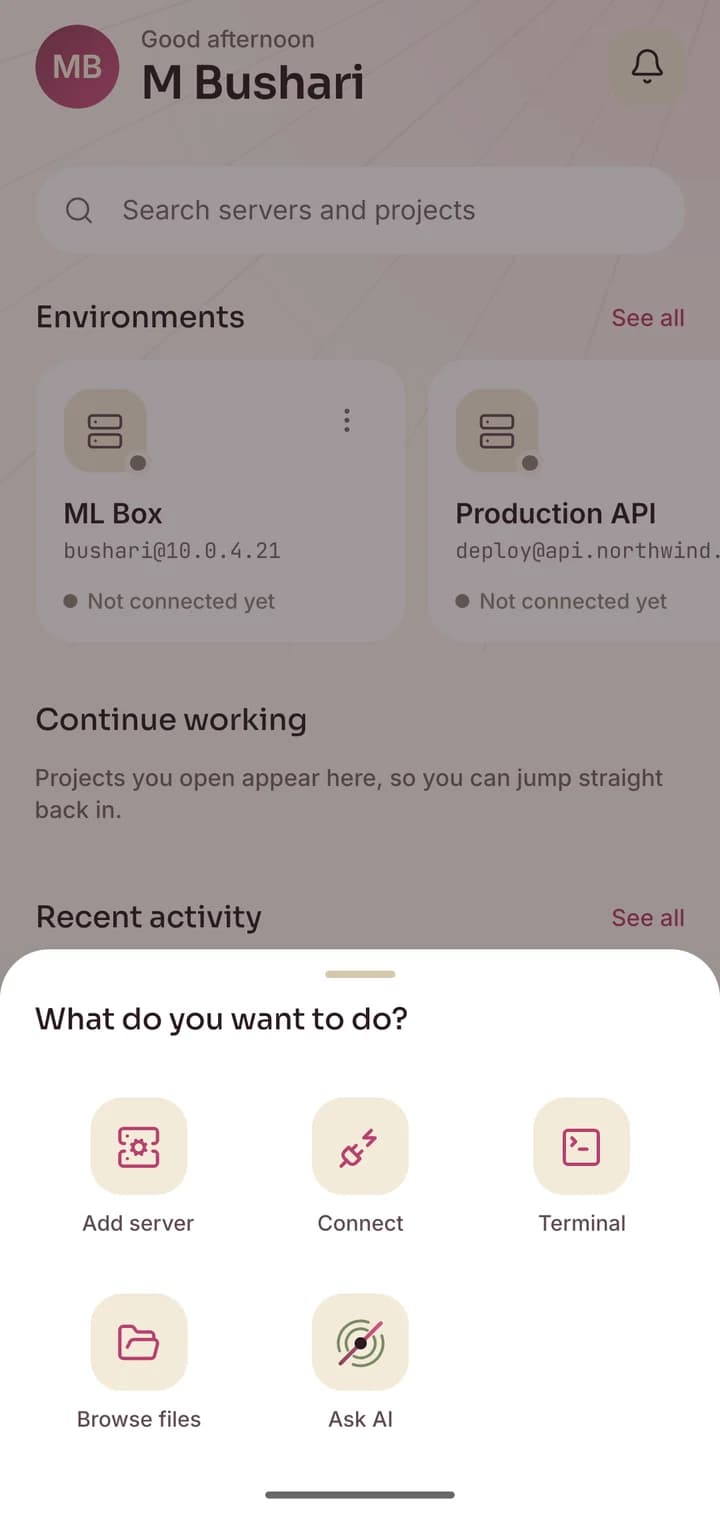
- Stay aware
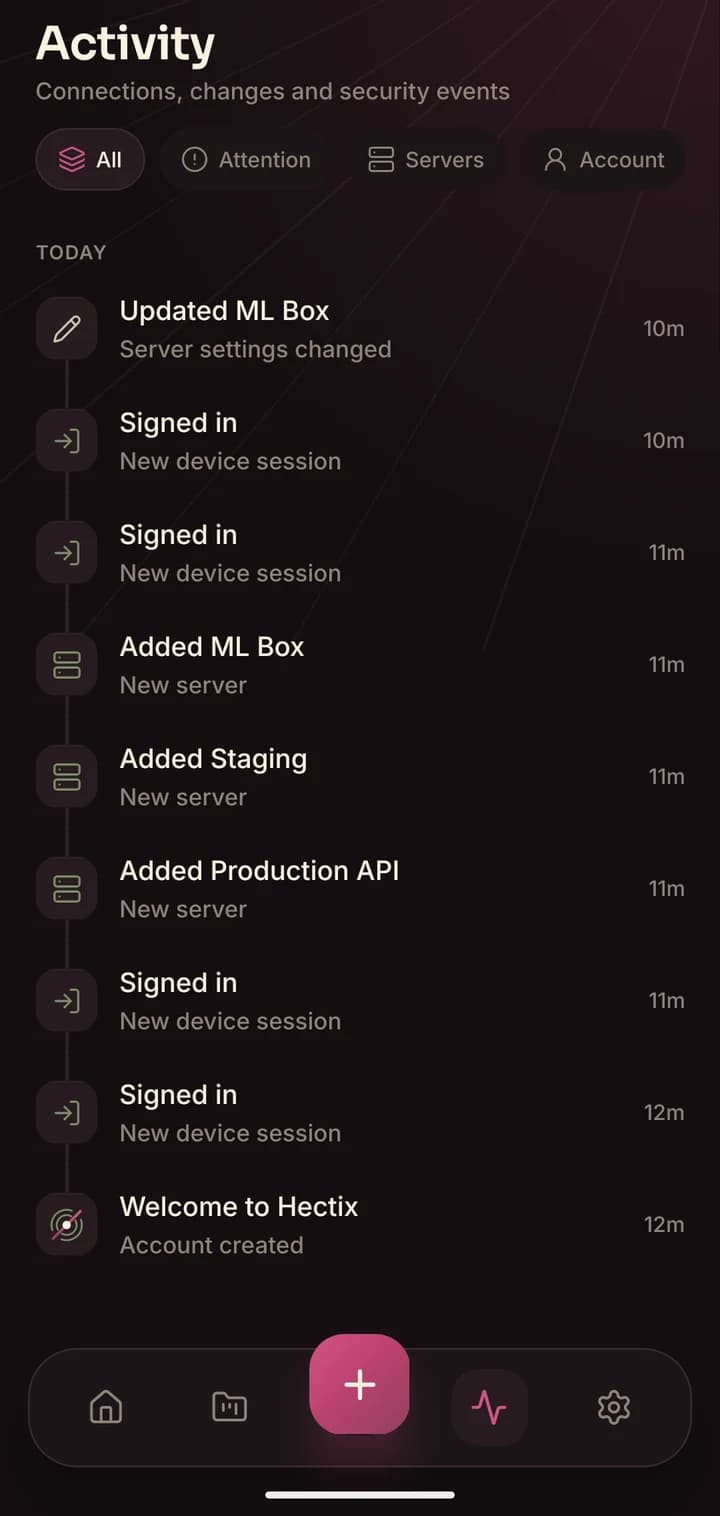
One timeline for everything.
Connections, changes and security events, in order. If something happens to your servers or your account, you will see it.
9:41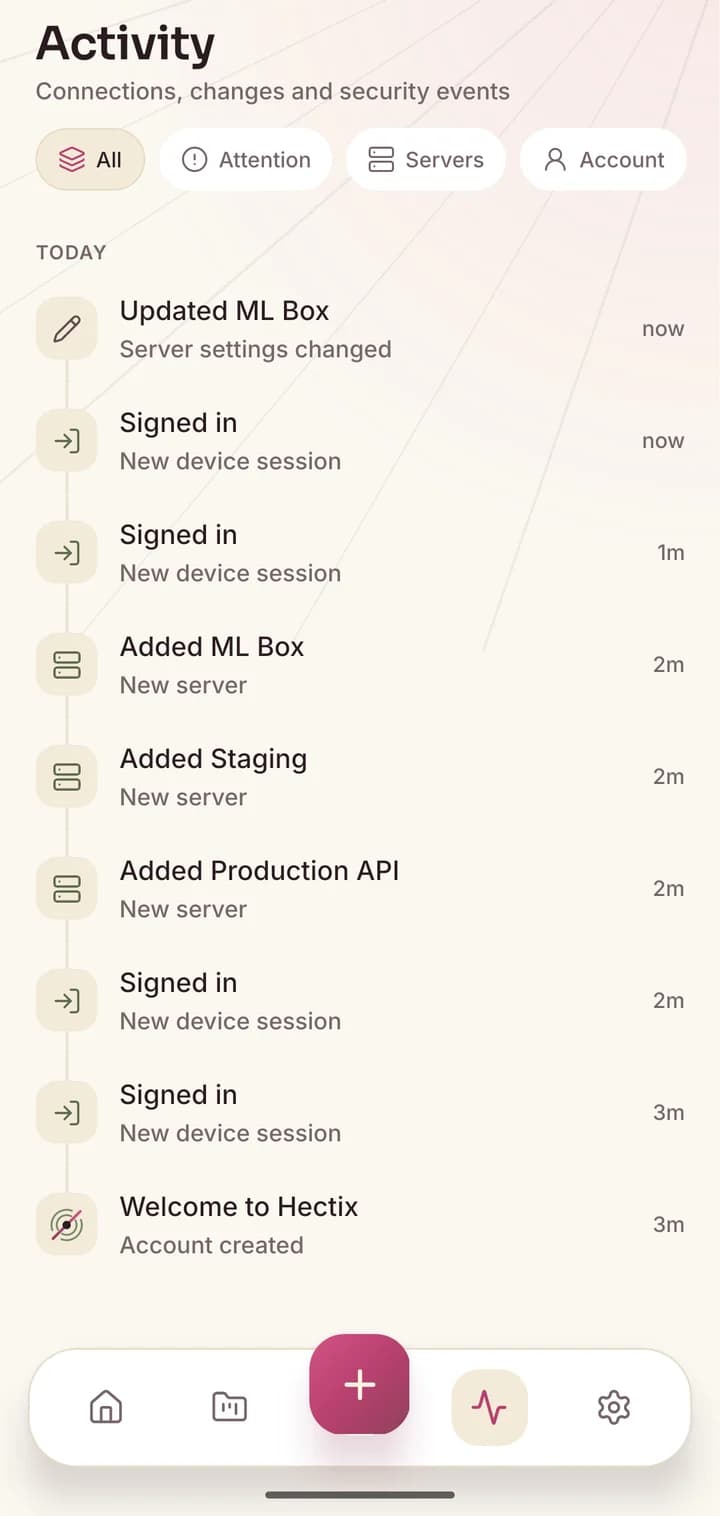
AI in your projects
Describe it. Watch it ship.
Hectix runs an AI coding agent inside the project folder you choose, on your own server. It reads the code, makes the change, runs your tests and tells you what it did, in plain sentences.
- Use your own Claude or OpenAI key, or Claude Code on your server
- Work keeps running even if your phone locks or the connection drops
- Claude Code chats are saved on your server, so any device can pick them up
you ›
- Searched for loginsrc/routes/auth.js
- Edited auth.js+12 −2
- Ran npm test43 passed
Done. Login now allows 20 attempts per 15 minutes per IP, and returns a clear “Too many attempts” message. All tests pass.
Security first
Built like it’s your production box.
Because it is. Hectix is designed so that your secrets never leave your hands.
Keys stay on your phone
SSH passwords and private keys live only in your device’s secure keychain. They are never uploaded, synced or seen by us.
Sessions that protect themselves
Sign-in tokens expire within minutes and rotate on every refresh. If an old token is ever replayed, that session is shut down.
Every sign-in logged
Sign-ins, new devices and password changes show up in your activity. Sign out any device you do not recognize, from anywhere.
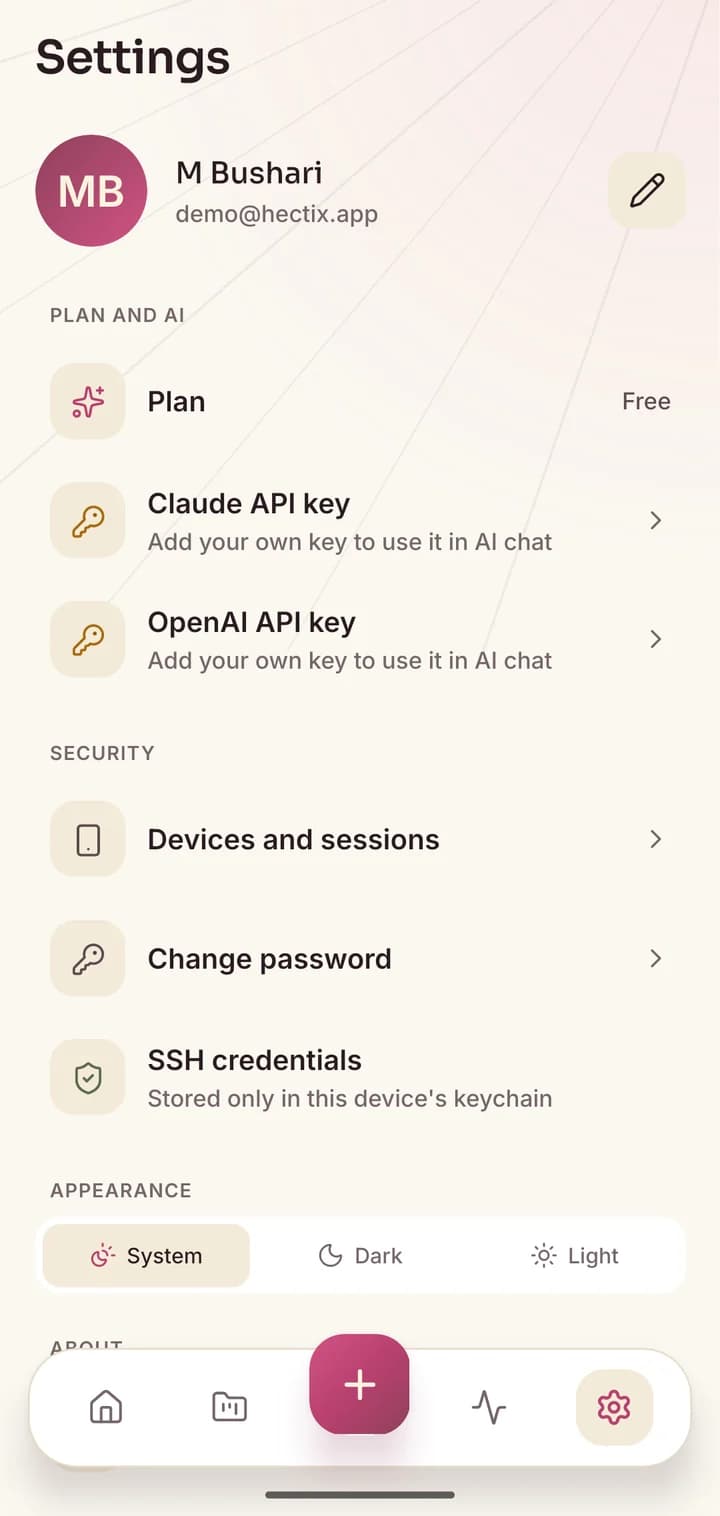
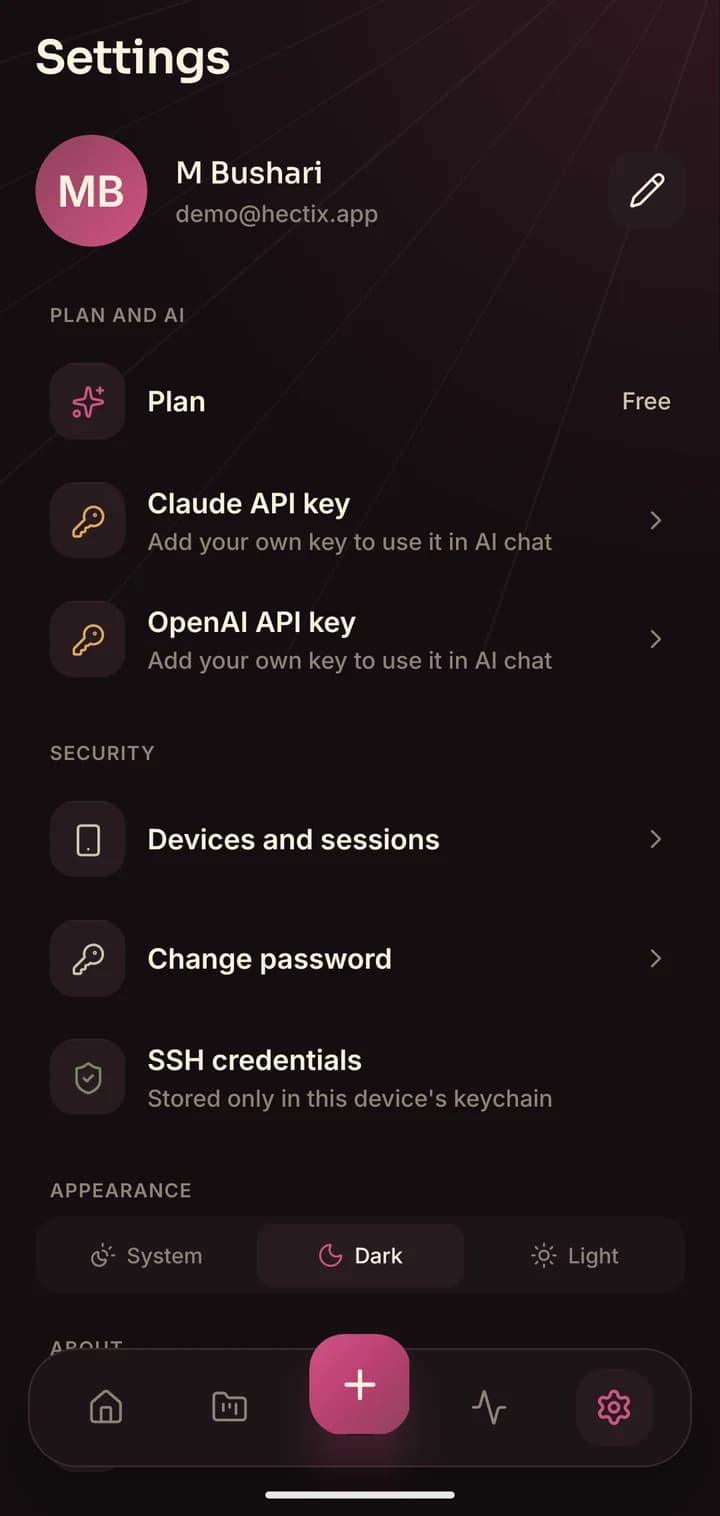
Day and night
Warm by day. Calm at 3 a.m.
Incidents don’t wait for office hours. Hectix has a light theme in warm cream and a dark theme that is easy on the eyes in the middle of the night. It follows your phone, or you can pick one.
Drag the slider on the phone to compare.
Pricing
Start free. Stay free.
Everything you need to run your servers costs nothing. Pro will add more AI for those who want it.
Free
Free while Hectix is in early access
$0
- Unlimited servers
- Files, terminal and projects
- AI chat with your own Claude or OpenAI key
- Claude Code on your server
- Light and dark themes
Pro
For people who live in their servers
Soon
- Everything in Free
- AI included, no API key needed
- Priority support by email
Is my SSH password or private key uploaded anywhere?
No. Your SSH passwords and private keys are stored only in your phone’s secure keychain. Our servers only keep non-secret details such as the server’s name, host and username, so the app can list your servers.
Which servers does Hectix work with?
Any Linux or Unix-like server you can reach over SSH: a VPS, a cloud instance, a Raspberry Pi or a machine at home. You sign in with a password or a private key.
Do I need my own AI key?
For AI chat you add your own Claude or OpenAI API key in Settings. It is kept in your phone’s keychain and sent only with your AI requests. You can also use Claude Code installed on your own server, signed in with your Claude subscription.
Is Hectix available on iPhone?
Hectix is built for both Android and iOS. Store links will appear on this page as soon as each version is published.
How do I delete my account?
Email us from the address you signed up with and we will delete your account and its data. The steps are on the Delete your account page.
How do I contact you?
By email, at support@hectix.app. We read every message.
Your servers,
within reach.
Install Hectix, add your first server, and you are in. It takes about a minute.